
Onboarding
Stylux offers an out-of-the-box Shopify integration and a flexible JavaScript SDK for headless and custom storefronts.
Initial Setup
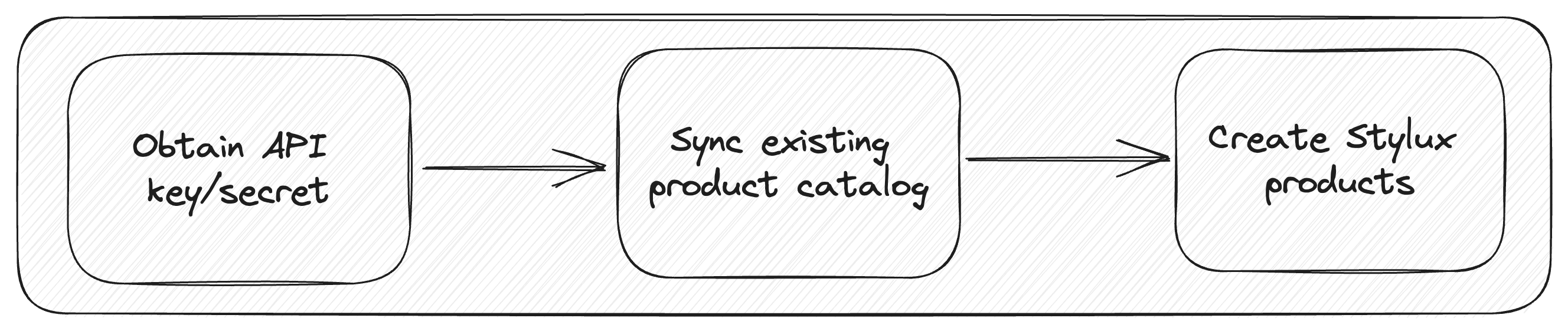
Stylux will issue two API keys, both intended to be used for integration. One will be used for the frontend integration, and the other will be used for the backend integration. On the backend, the Stylux API only accepts fully signed requests using an HMAC signature, so the API key for the backend will also come along with an API secret; keep this API secret safeguarded and stored securely. See Signed API Authentication for how to sign requests.
The initial onboarding process also involves syncing your existing product catalog to the Stylux API and creating the Stylux product. It should continue to sync products to the Stylux API as products are created/edited/deleted.
Product Detail Page (PDP)
The storefront integration generally involves three high-level steps:
- Rendering the Stylux offer
- Collecting personalization details
- Adding the resulting products to cart
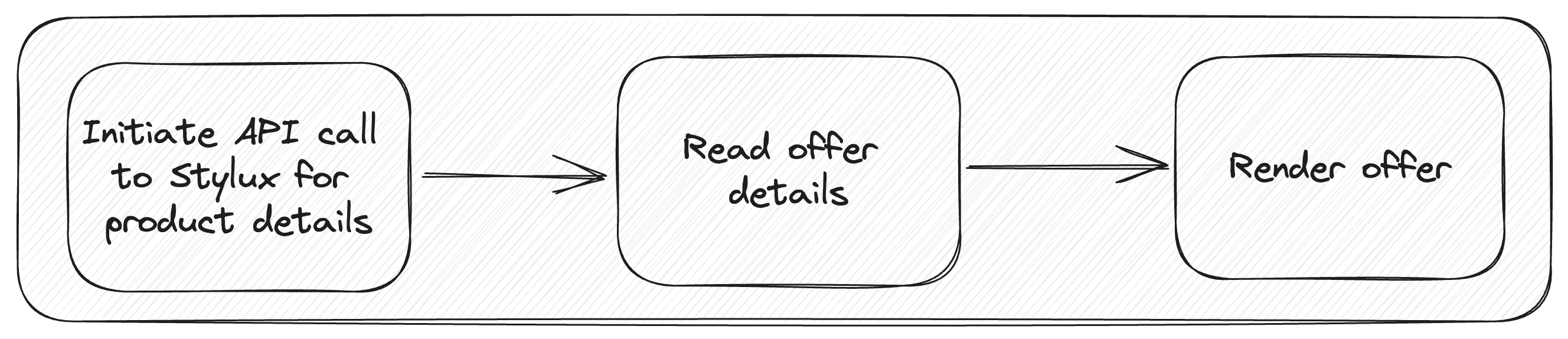
Rendering
This involves rendering the offer within a container element; it also involves firing the Stylux modal after having clicked on the offer CTA element.
Handling User Interaction
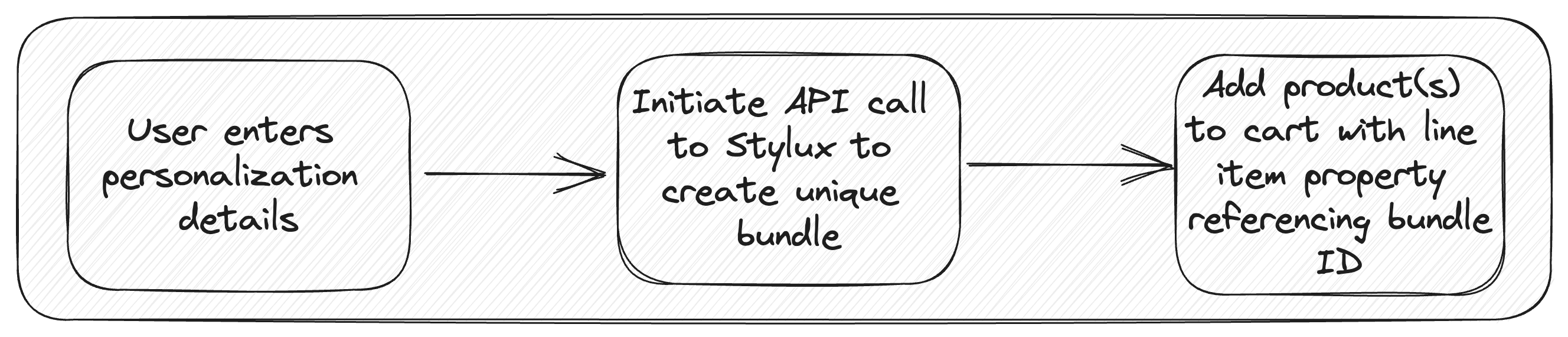
This handles the flow after the customer has entered personalization details.
Adding to Cart
Adding the resulting products to cart goes through a cart adapter. Standard Shopify themes receive an adapter from the Shopify plugin; headless and custom storefronts provide a custom cart adapter.
Updated 28 days ago